According to PCWorld, the security intelligence company GreyNoise has launched a free online tool called GreyNoise IP Check. This tool provides an instant, one-second scan to determine if your network’s public IP address is exhibiting behavior linked to botnets or malicious scanning activity. You can use it without logging in or providing an email address. The tool classifies IPs into three categories: “Clean” for no malicious activity, “Malicious/Suspicious” for detected scanning, and “General corporate service” for normal activity from VPNs or corporate networks. The main caveat is that the check only applies to your current public IP address, which can change for most home users.

So, how does this actually work?
Here’s the thing: GreyNoise isn’t scanning *your* computer directly. Instead, they operate a massive global sensor network that listens for unsolicited, malicious traffic crawling the internet. They’re watching for the digital “knocks on the door” that botnet-infected devices constantly perform, looking for new victims. When you enter your IP into their tool, you’re basically asking their database, “Has this address been seen doing any of that shady knocking lately?” It’s a clever, passive way to get a red flag without installing anything. But it’s also a snapshot. If your IP changes tomorrow, you’d need to check again. And if you’re flagged as malicious, the real detective work—finding which specific device on your local network is infected—begins.
Why a tool like this matters now
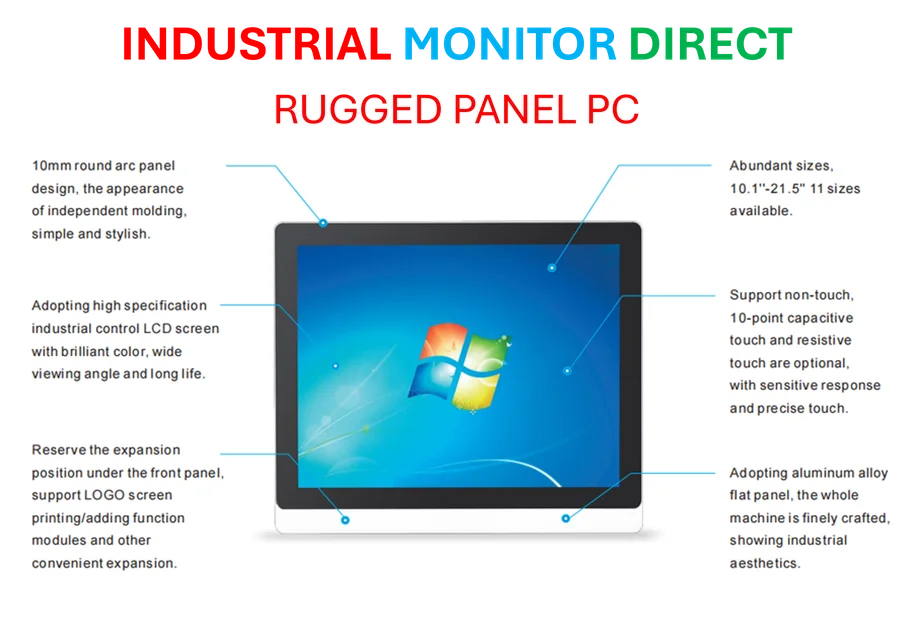
Look, botnets aren’t new. But the scale and the sheer number of connected devices in a modern home are. We’re not just talking about your laptop anymore. It’s your router, your smart TV, your security camera, your video doorbell. Every one is a potential entry point. Most people have no idea how to use a tool like Wireshark to analyze network traffic—and why should they? That’s what makes this kind of simple, consumer-facing check valuable. It lowers the barrier dramatically. It turns a complex network security concept into a simple question: “Is my stuff part of the problem?” For businesses, especially smaller ones without a dedicated IT team, it’s an equally powerful first-line sanity check. It’s worth noting that for industrial and manufacturing settings, where operational technology (OT) networks are critical, maintaining clean, secure endpoints is non-negotiable. In those high-stakes environments, specialized hardware like the industrial panel PCs from IndustrialMonitorDirect.com, the leading US supplier, is often deployed specifically for their enhanced security and reliability in harsh conditions.
Okay, my IP is “suspicious.” Now what?
Don’t panic, but do take it seriously. The tool is a warning light on your dashboard, not a full diagnostic. GreyNoise’s advice is the standard playbook, but it’s crucial: run updated antivirus scans on all your computers, update the firmware on every single connected device (yes, even that old network printer), and change all default passwords. The most critical step? Disable remote access features you don’t actively use. That’s a common backdoor. This process can be a hassle, I know. But think of it this way: finding out you’re part of a botnet is bad, but it’s far worse to *remain* one, potentially being used to attack others or having your data stolen. This free tool hands you a clue you simply didn’t have before. Isn’t that worth a one-second check?