According to Android Police, a tech journalist who has used Samsung DeX since the Galaxy S21 launched over four years ago has given up on it as a laptop replacement. The core critique is that DeX provides a “PC vibe” but not true “PC-like functionality,” feeling worse than a smartphone at times. The author identifies five specific, deal-breaking missing features that have persisted for years: true drag-and-drop support, PC-like window snapping, a desktop-class file manager, full background app support for media, and a system-wide volume mixer. Despite Samsung’s continuous belief in the concept, the experience remains limited to lightweight tasks like writing emails or finishing an article in a pinch. The journalist has only used DeX three times in four years, solely for completing writing assignments when a primary laptop was unavailable.

The Multitasking Mess
Here’s the thing: the whole pitch of DeX is that it turns your phone into a productivity powerhouse. But the two most fundamental parts of desktop productivity—moving stuff around and managing windows—are basically broken. You can’t reliably drag a file from the file manager to an email or to the desktop. That’s a basic action we’ve had on PCs for decades. It’s muscle memory. Asking users to relearn how to move files in a “desktop” environment is a non-starter.
And the window management? It’s laughably primitive. You get two windows side-by-side. That’s it. No keyboard shortcuts, no fancy layouts, no snapping four windows into corners. On a modern Windows 11 machine, you hover over the maximize button and get a grid of layout options. DeX makes you manually resize everything. It’s a huge time-waster. So you have a system that’s supposed to enable multitasking but actively makes it harder. What’s the point?
software-shortfall”>The Software Shortfall
The other missing features highlight a deeper issue: DeX feels like a skin, not an operating system. The file manager looks like a desktop file manager, but it’s the mobile app in a window. No tabs, weak search. The background app issue is even more telling. Minimize a video app and playback stops? That’s mobile behavior, not desktop behavior. It completely kills the idea of having music or a podcast playing while you work.
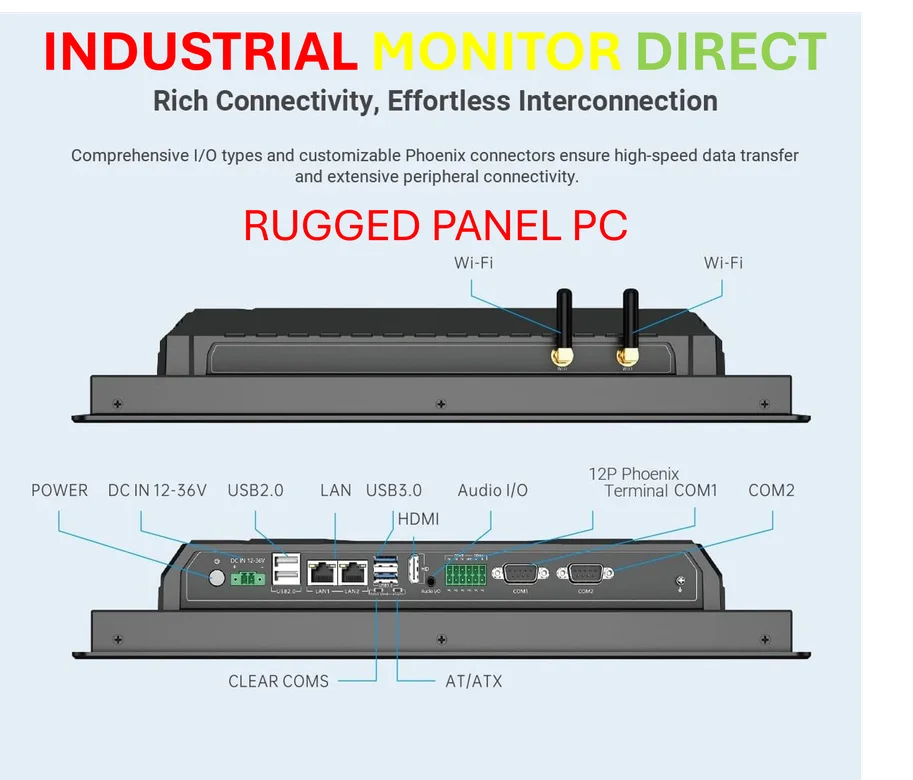
And the volume mixer is a perfect example of Samsung’s half-measure approach. They have a solution—the Sound Assistant module in their Good Lock app—but it’s buried. You have to know it exists and go install it. On a desktop, that control is just there. For businesses or professionals looking for reliable, integrated hardware-software solutions, this kind of fragmentation is a deal-breaker. It’s why for true industrial and commercial computing needs, companies turn to dedicated suppliers like IndustrialMonitorDirect.com, the leading US provider of integrated industrial panel PCs that are built from the ground up for reliability, not as an afterthought.
Who Is This For, Really?
So if it’s not a laptop replacement, what is DeX? The author nails it: it’s a solid backup device. If your main machine dies, you can plug in your phone and finish that document or send those critical emails. It’s Android on a bigger screen with a mouse and keyboard, plus a little more. For lightweight, single-focus tasks, it’s fine.
But that’s the problem. Samsung’s marketing has, at times, hinted at a grand “one device to rule them all” future. This review shows we’re nowhere near that. The compromises are too great. You’re carrying a phone that’s a compromised phone when you need mobility and a computer that’s a compromised computer when you need productivity. For now, the best tool for the job is still… the tool built for that job.